
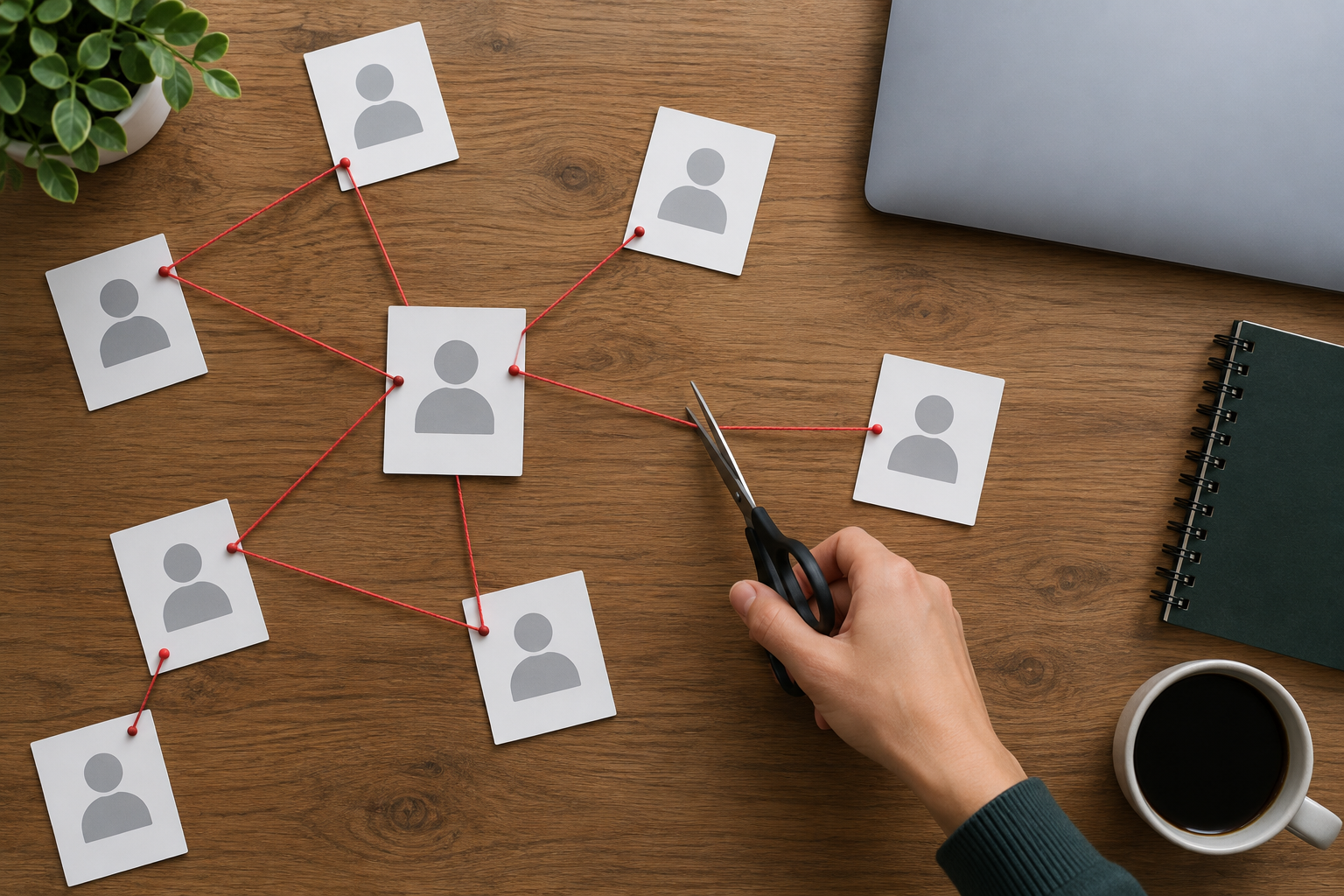
Online identity protection comes down to cutting the links between facts that strangers can find. One exposed detail rarely does much harm. Several that fit together can.
The risk comes from connected details
Two kinds of information get mixed up.
- Identifying information tells people who you are: your name, email address, phone number, employer.
- Credentials let someone act as you: passwords, passkeys, one-time codes.
Neither is reliable proof of identity. Anyone can discover a name and a birthday. Credentials can be stolen or phished. Do not treat "they knew these facts about me" as evidence that a person is who they claim to be. That applies to messages sent to you, and to how you answer questions from others.
Here is a hypothetical case. Say your employer appears on a public professional profile, your sister is visible in your public posts, and your phone number sits on an old club website. A stranger could message your sister from a new number: "It's me, I changed phones. Can you do me a quick favour?" Each fact is minor. Together they make the message believable.
You cannot make yourself invisible. The realistic goal is narrower: reduce the exposure that helps an impersonator, and make unauthorized actions harder.
Audit what a stranger can connect to your name
Start with a signed-out browser or a private window, so results are not shaped by your own accounts.
- Search your full name in quotation marks, then your common usernames, your email address, and your phone number.
- Note which results clearly belong to you. Ignore namesakes.
- Open your public-facing profiles and look for exposed contact details, full birth dates, family relationships, workplace information, and location patterns such as regular check-ins.
- Sort what you found by how useful it is to an impersonator.
Three groups matter most:
- Recovery clues: birth date, hometown, school, pet names, previous addresses.
- Ways to reach you or your family: phone numbers, email addresses, visible relatives.
- Credibility details: employer, job title, colleagues, anything that makes a false request sound routine.
Keep this list in a private note on your own device. Do not paste your details into unfamiliar "check your identity" sites. That hands over more than you are trying to protect.
Remove the links that make impersonation easier
Work from the most useful items down.
Restrict or remove high-value details
Check whether a setting hides information or deletes it. Making a profile private hides it from the public, but the service still holds it. Deleting the field or the account removes it from your profile, though the service may keep some data for a time under its own policies. For birth dates, family links, and phone numbers, removal is the stronger choice.
Separate public contact from sign-in and recovery
Where a service allows it, use one address or number for public contact and a different one for signing in and recovery. This reduces what a stranger can guess. It is not a guarantee. A private address can still leak, so treat it as one layer only.
Replace factual security answers
If you cannot turn security questions off, do not answer truthfully. Give each one a unique, unrelated answer, such as a random phrase, and store it in a password manager. A real answer like your first school is something others may find.
Protect the accounts that control recovery
Your primary email can reset almost everything else, so secure it first.
- Use a passkey, or strong multifactor authentication (a second check beyond your password). An authenticator app or security key is generally stronger than text messages.
- Review its recovery email and phone number. Remove anything you no longer control.
- Ask your mobile carrier about account protections, such as a PIN or a lock against number transfers, where offered.
Match your response to what was exposed or misused
Exposed profile details. Reduce visibility. A public phone number alone does not mean an account was accessed. If you see signs of impersonation, warn the contacts who could be targeted.
A breach involving passwords. Change the affected password and any account where you reused it. Review active sessions and signed-in devices, and check recovery methods. Do this through the provider's official site or app, not through links in an email.
Fake profiles or messages in your name. Save screenshots and links first. Report the profile through the platform's impersonation process. Tell contacts to verify unusual requests through a channel they already know, such as a call to your usual number.
Suspected financial identity theft. Contact the affected banks or card issuers promptly, and follow your country's official reporting process. In the U.S., a credit freeze can help prevent new credit accounts from being opened in your name. It does not stop every type of fraud, such as misuse of an account you already have.
Your next step
Set aside thirty minutes this week. Run the signed-out search, write down the three items most useful to an impersonator, and fix those first. Then secure your primary email, since that one account decides how hard everything else is to take over.